Desktop Widgets Reimagined
Turn Any Website Into a Desktop Widget
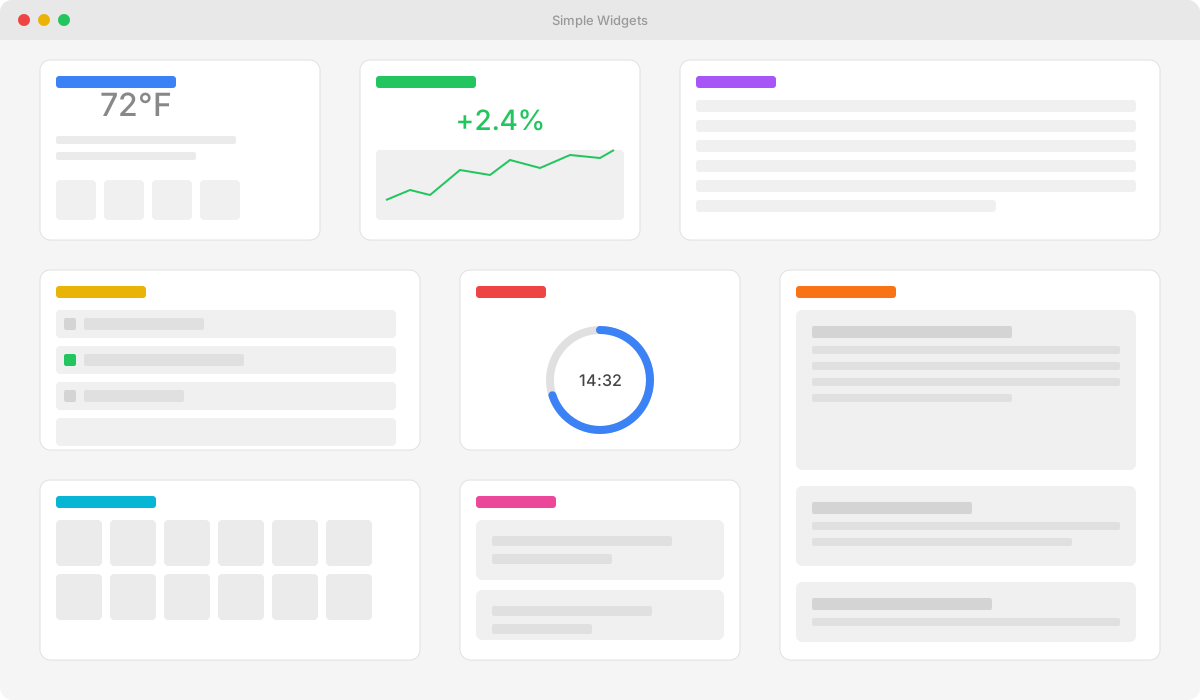
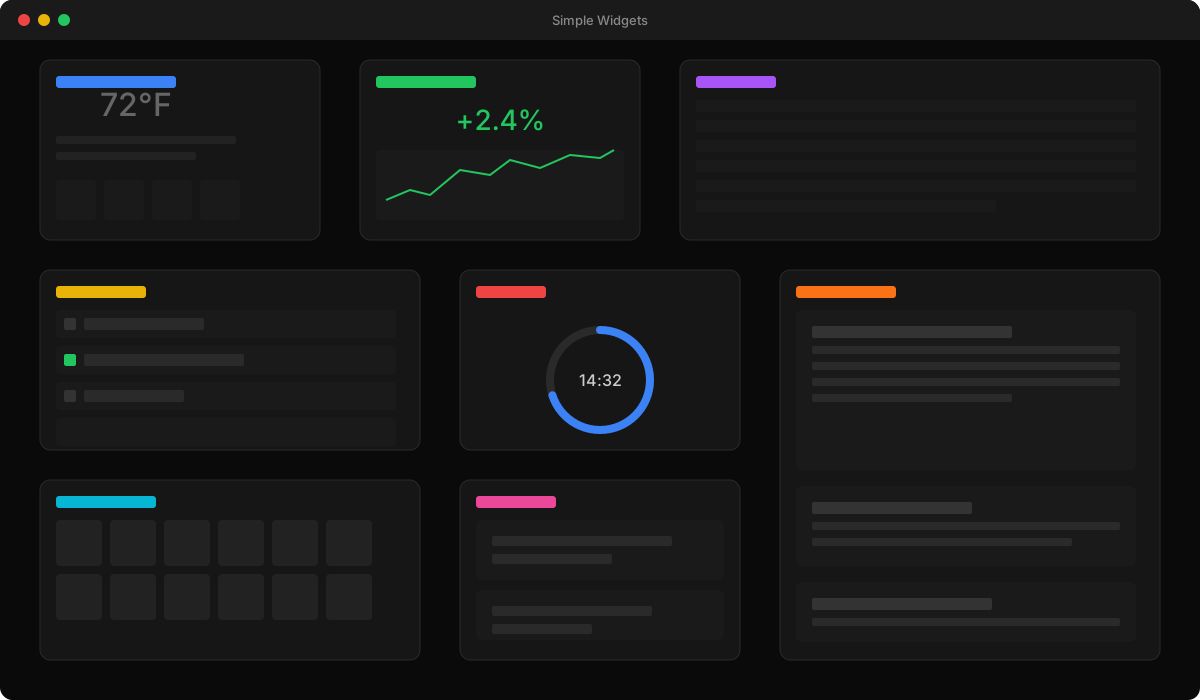
Stop switching between tabs. Extract any element from any website and pin it to your desktop. Weather, stocks, news, calendars — all in one beautiful dashboard.
Everything You Need
Powerful features that make widget creation effortless
Point & Click Selection
See something you like on a website? Just click it. Our smart selector captures exactly what you want — no coding required.
Always Up-to-Date
Set refresh intervals from seconds to hours. Your widgets automatically update so you never miss important changes.
Infinite Canvas
Arrange widgets your way on a massive 5000x5000px workspace. Pan, zoom, and organize without limits.
Smart Snapping
Grid system and smart guides help you create perfectly aligned layouts. Everything snaps into place beautifully.
Save & Share
Export your entire layout and share it with others. Import layouts to instantly recreate someone else's setup.
Native Desktop App
Not a browser extension. A real desktop app that runs smoothly on Windows, macOS, and Linux.
Create Widgets in 3 Steps
From website to widget in under a minute
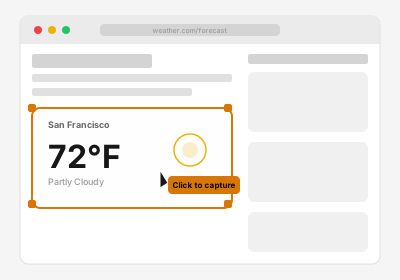
Browse & Select
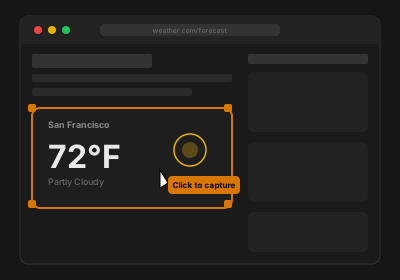
Navigate to any website and click the element you want to capture.
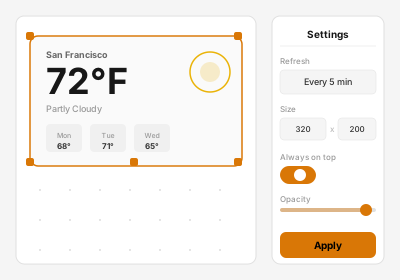
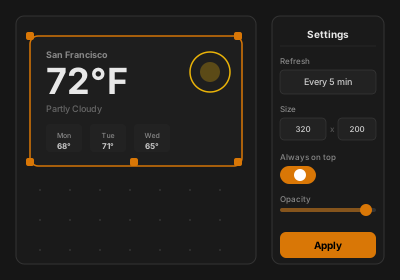
Customize
Resize, set refresh rate, and position your widget on the canvas.
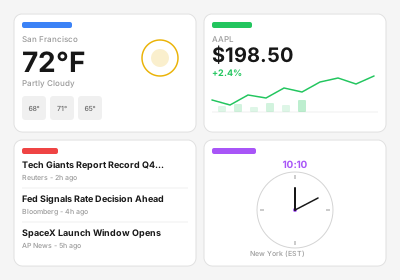
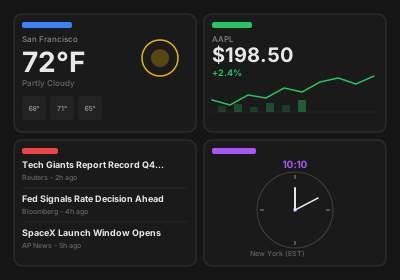
Done!
Your widget updates automatically. Add more and build your perfect dashboard.
Start With Templates
Don't want to build from scratch? Use our ready-made widgets.
Productivity
Clock, Calendar, Timer, Notes, Todo
Information
Weather, News, Quotes, Stocks
Media
YouTube, Vimeo, Spotify
Communication
Slack, Discord, Telegram
Search
Google, DuckDuckGo, Bing
Explore More
Discover how Simple Widgets can help you
Frequently Asked Questions
Everything you need to know about Simple Widgets
What is Simple Widgets?
Simple Widgets is a desktop application for Windows, macOS, and Linux that lets you turn any element from any website into a live desktop widget. No coding required — just point, click, and pin.
Is Simple Widgets free?
Simple Widgets has a free tier that includes up to 10 widgets with all core features. For unlimited widgets and priority support, Simple Widgets Pro is available as a one-time purchase.
Which operating systems are supported?
Simple Widgets runs natively on Windows, macOS, and Linux. It is a native desktop application, not a browser extension.
Do widgets update automatically?
Yes. You can set custom refresh intervals from seconds to hours. Your widgets will automatically pull the latest content from the source website.
Can I share my widget layouts?
Absolutely. You can export your entire layout as a file and share it with others. Anyone with Simple Widgets can import it and instantly recreate your setup.
Does it work with any website?
Simple Widgets works with virtually any public website. You can capture weather forecasts, stock tickers, news headlines, calendars, social feeds, and much more.
Ready to Build Your Dashboard?
Join thousands of users who simplified their workflow with Simple Widgets.
Download NowDownload
Available for all major platforms
Available for Windows, macOS, and Linux. No account required.